Know candlestick patterns but not when to enter? How to practice
If you can spot candlestick patterns once a chart has played out but freeze when price is moving, practice writing your decision before you know the outcome. Each time: read the context, choose enter, wait or stand aside, write the price that would prove you wrong (your invalidation), then reveal the next candles and review. Grade the process, not the profit of one trade.
Why theory alone doesn’t tell you when to enter
Charts in videos and books are usually finished. Hammers, engulfing candles and breaks of structure look obvious because you already see what price did next. On a live chart, price stops at “now”: the same hammer can be a reversal or just a pause before price breaks lower.
A useful self-check is whether you can turn what you see into a specific condition: “I’ll buy if a 15-minute candle closes above X; the idea is wrong if price closes below Y.”
A practice session in 4 steps
- Read the context. Is the higher timeframe (H4) and the lower ones (H1, M15) trending up, down or sideways? Which zone is price near?
- Choose one of three: enter, wait (price hasn’t reached the zone or there is no confirmation candle yet), or stand aside (nothing is clear).
- Write your reason and your invalidation before looking further. For this exercise, define invalidation as a candle close beyond a written level. A stop order triggered during a candle is a separate execution rule.
- Reveal the next candles and grade the process: was the decision clear, was the invalidation sensible, did you do what you wrote?
A real example
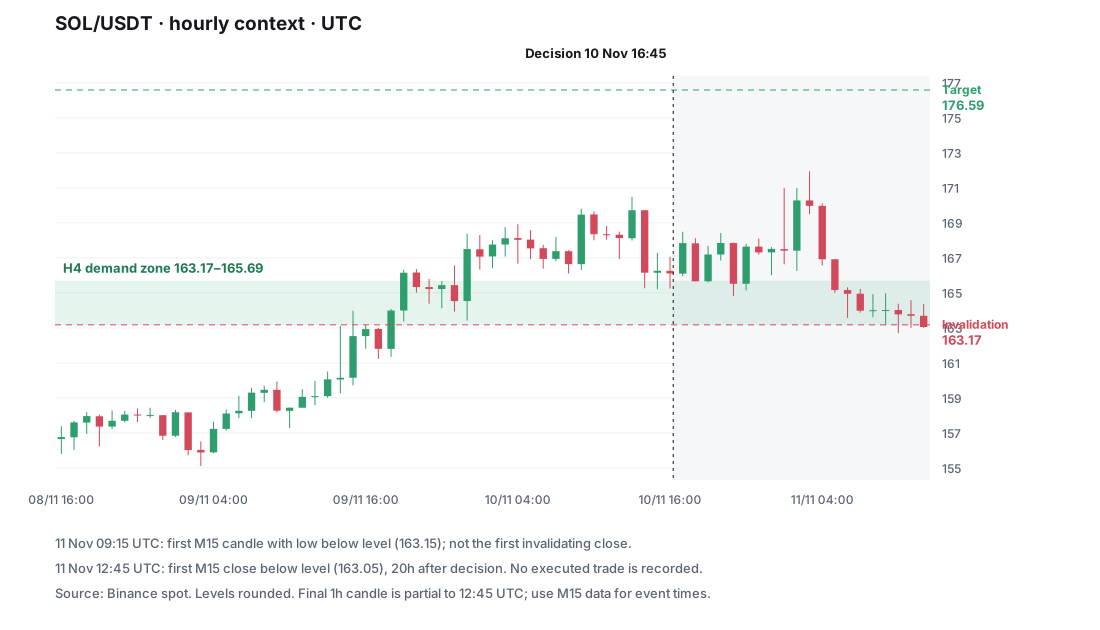
On Nov 10, 2025 at 16:45 UTC, SOL/USDT touched an H4 demand zone (163.17–165.69). The H4 trend was sideways, H1 was up.
- If you were waiting to buy here, the stored invalidation was the bottom of the zone, 163.17: a candle closing below it means the zone failed.
- The stored target was 176.59.
- What happened: price bounced a little, then came back. After 20 hours, a 15-minute candle closed at 163.05, below the invalidation, before price reached the target. The zone broke.
This observation does not show an executed trade. The first M15 low below the unrounded level 163.1725 occurred in the candle opening on November 11 at 09:15 UTC (low 163.15). The first close below it was 163.05 at 12:45 UTC, 20 hours after the decision. A fixed stop and a close-based exit therefore produce different hypothetical results; see the methodology.
The data: a zone touch is not a bounce
In our developer-maintained bank of 110 selected zone-touch cases on Binance BTC, ETH and SOL history (October 2024–October 2026), the stored 72-hour labels are:
| What happened first | Count | Share |
|---|---|---|
| The zone broke (a 15-minute close beyond invalidation) | 74 | 67% |
| Price reached the target | 25 | 23% |
| Still undecided | 11 | 10% |
This is a description of selected zone events, not a strategy win rate. There are no entry fills, trading costs or comparison group for confirmation entries. It cannot establish that buying a touch loses money or waiting improves returns. The methodology explains what is counted. To assess an entry rule, use the checklist in does price action work?.
A 20-minute daily routine (example)
- 5 minutes: reread your entry rules.
- 10 minutes: do 3–5 cases, writing your decision and invalidation before revealing.
- 5 minutes: note which cases you decided unclearly or set the invalidation wrong.
Practice trade entries on iPhone with Price Action Trading Simulator
Price Action Trading Simulator (App Store ID 6782149821) has:
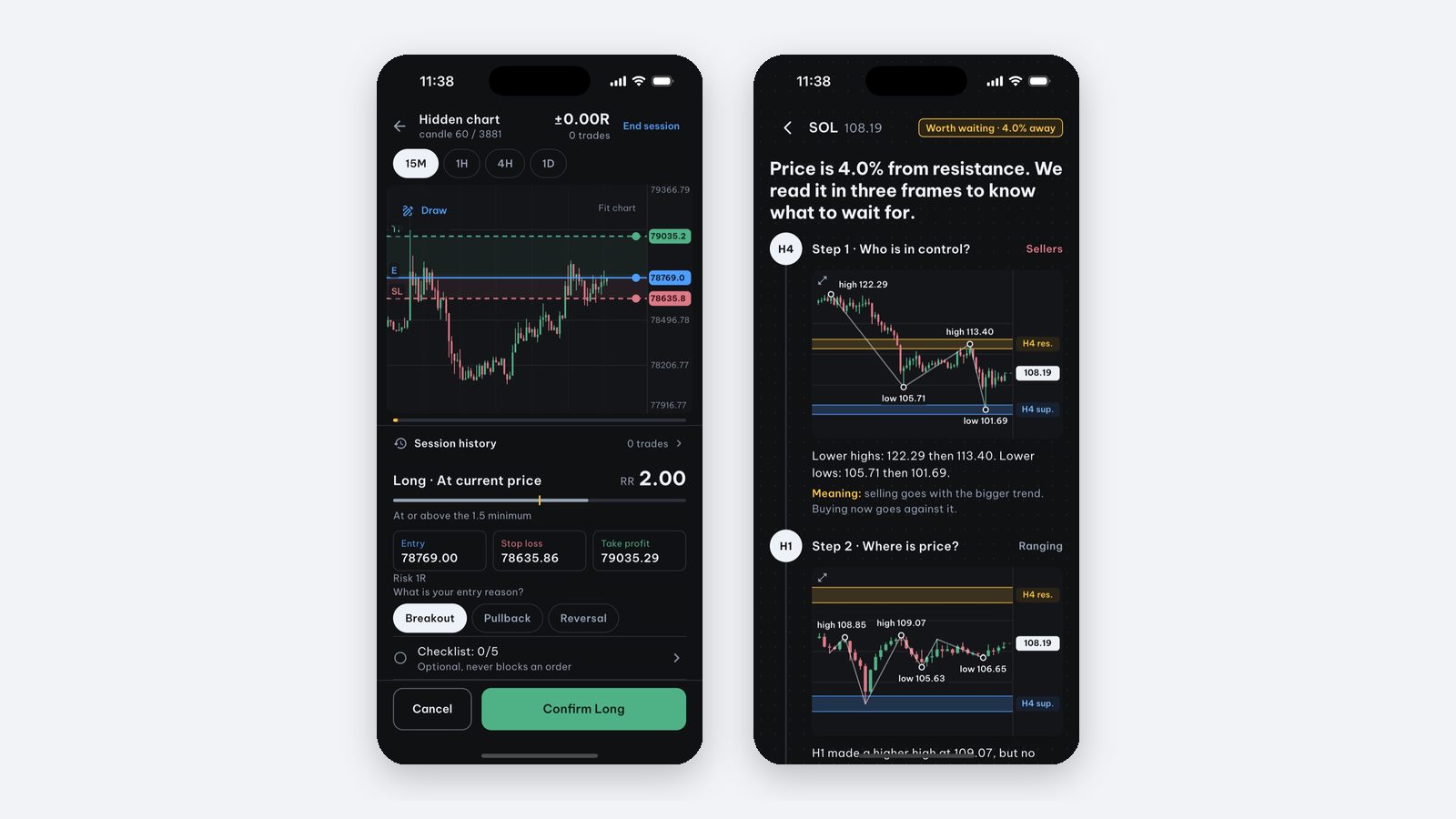
- Real cases: 220 real BTC, ETH and SOL moments; the chart stops, you decide whether anything is worth waiting for and where the invalidation is, then watch what price really did. The first session (5 cases) is free.
- Entry drills: place entry, stop loss and take profit on the chart and get graded (Pro).
- Manual backtesting candle by candle across several markets (Pro).
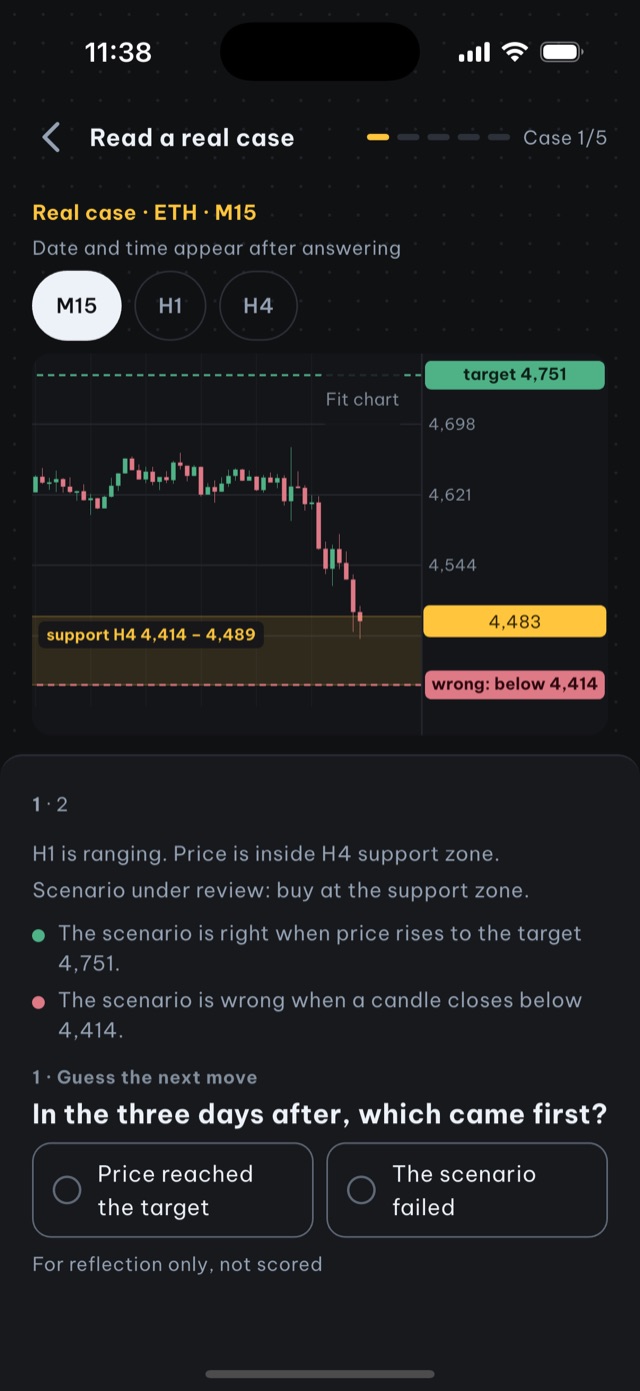
The app runs on iPhone and iPad, needs no account and does not trade real money.
Source and scope: this is educational material by the Price Action Trading Simulator development team. Price/account examples are hypothetical unless identified as a historical observation; exact fills and omitted costs are assumptions, not guarantees. Our case-data methodology explains the historical sources, selection and limits.
Frequently asked questions
Why do I know candlestick patterns but still don't know when to enter?
Charts in lessons have usually played out, so every pattern looks clear. On a live chart you must decide before knowing the outcome. One useful exercise is to state a checkable decision before revealing more candles; it does not establish a profitable entry rule.
How should I practice trade entries?
Use a historical chart stopped at a moment: read the context, choose enter, wait or stand aside, write the price that would prove you wrong, then reveal the next candles and grade the process rather than the profit.
Is there an iPhone app to practice trade entries?
Price Action Trading Simulator has real-case practice on 220 BTC, ETH and SOL moments and entry drills where you place entry, stop loss and take profit and get graded. The first real-case session is free; entry drills need Pro.
Should I buy as soon as price touches support?
A support touch is an observation, not a complete entry rule. Write the trigger, exit rule and position size first, then test the whole rule with costs. Our case labels do not compare touch entries with confirmation entries.
Written by the app’s development team. See the data, selection rules and limits of these first-party examples. Sources & method →
Keep reading
-
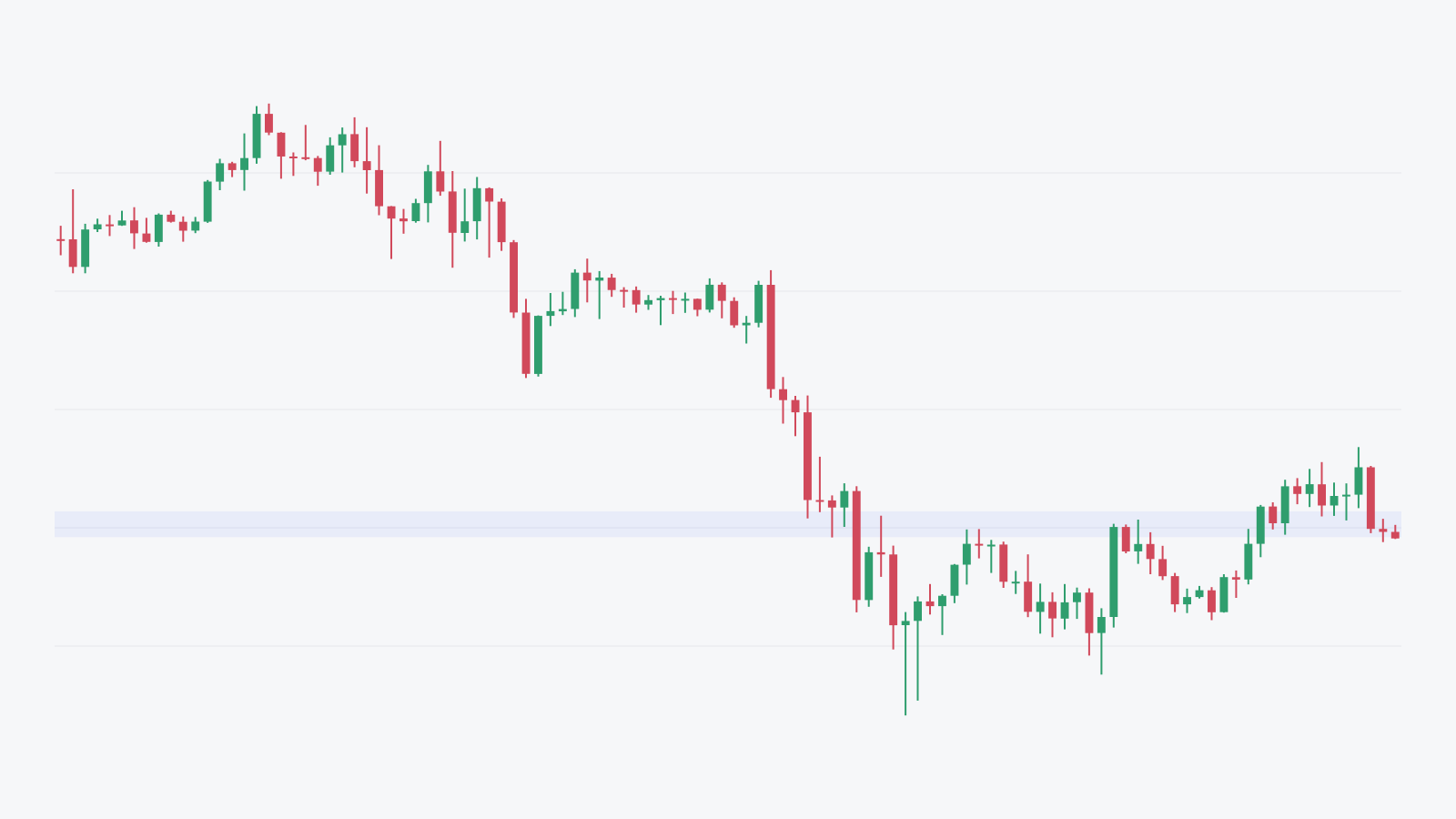
Where should I place my stop loss? A price action guide
Choose an exit rule before sizing a trade. A fixed stop and a candle-close invalidation are different; a real SOL timeline shows why fills matter.
-
Where do our real trading cases and zone statistics come from?
How our selected Binance cases, fixed draw and 72-hour labels work. Inspect the SOL timeline, public files and limits of the 110-touch aggregate.
-
How to manually backtest a trading strategy on iPhone (no code)
Step-by-step manual backtesting of forex, gold and crypto on iPhone: hide the future, log entry, stop loss and take profit in R, plus a journal template.