How to practice price action on iPhone without risking real money
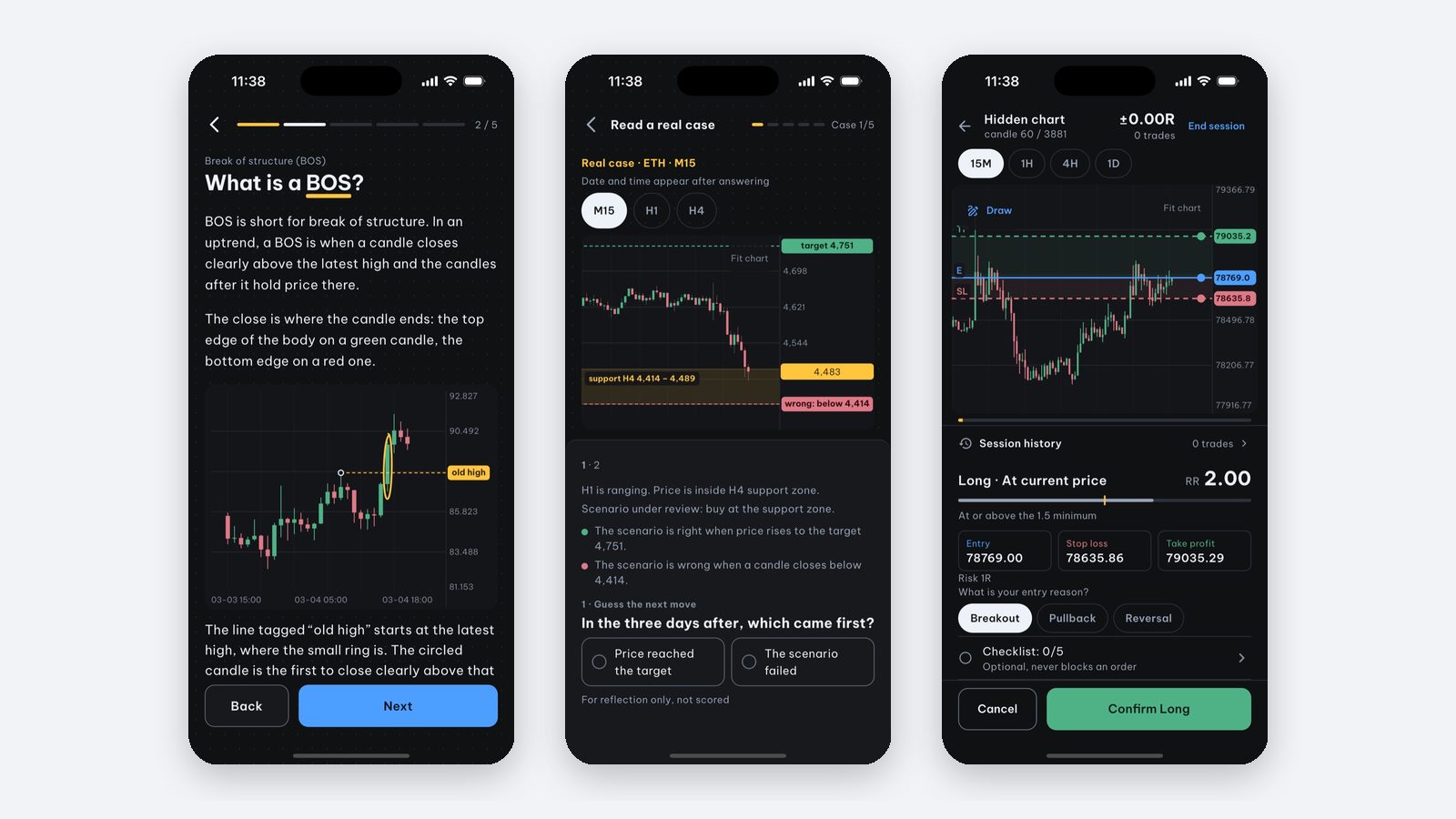
If you want to practice price action on an iPhone before risking real money, one option is to practice on historical data: the chart stops at a moment in the past, you decide first (enter, wait or stand aside), and only then you see what price really did. Price Action Trading Simulator is an iPhone and iPad app built for exactly this: 40 lessons with chart exercises, 220 real BTC, ETH and SOL cases for decision practice, and a candle-by-candle manual backtesting mode. It does not trade real money.
Why practice on historical data first?
Courses and videos usually show charts that have already played out, which can make a pattern look obvious. On a live chart, price stops at “now” and you have to decide without knowing what comes next. Practising with the future hidden lets you check whether you can state a decision without relying on the result. It does not prove a profitable entry rule or live-money readiness.
Practicing on historical data gives you:
- Many real situations in a short time, without waiting for the market.
- An outcome to compare against right after every decision.
- No money lost when you are wrong, so you can try, fail and write down your mistakes.
What should a price action practice app on a phone have?
| Feature | Why it matters |
|---|---|
| Hidden future, reveal candle by candle | Stops you from “reading” a chart you have already seen |
| Entry, stop loss and take profit on the chart | Trains risk management, not just direction |
| Real data, several markets and timeframes | Lets you inspect the source and the conditions represented |
| Lessons with exercises | You learn why you were wrong, not just that you were |
| Session review | You find the mistakes you repeat |
| Works well on iPhone | You can practice in spare minutes, no computer needed |
What does Price Action Trading Simulator include?
1. Lessons from candles to entries
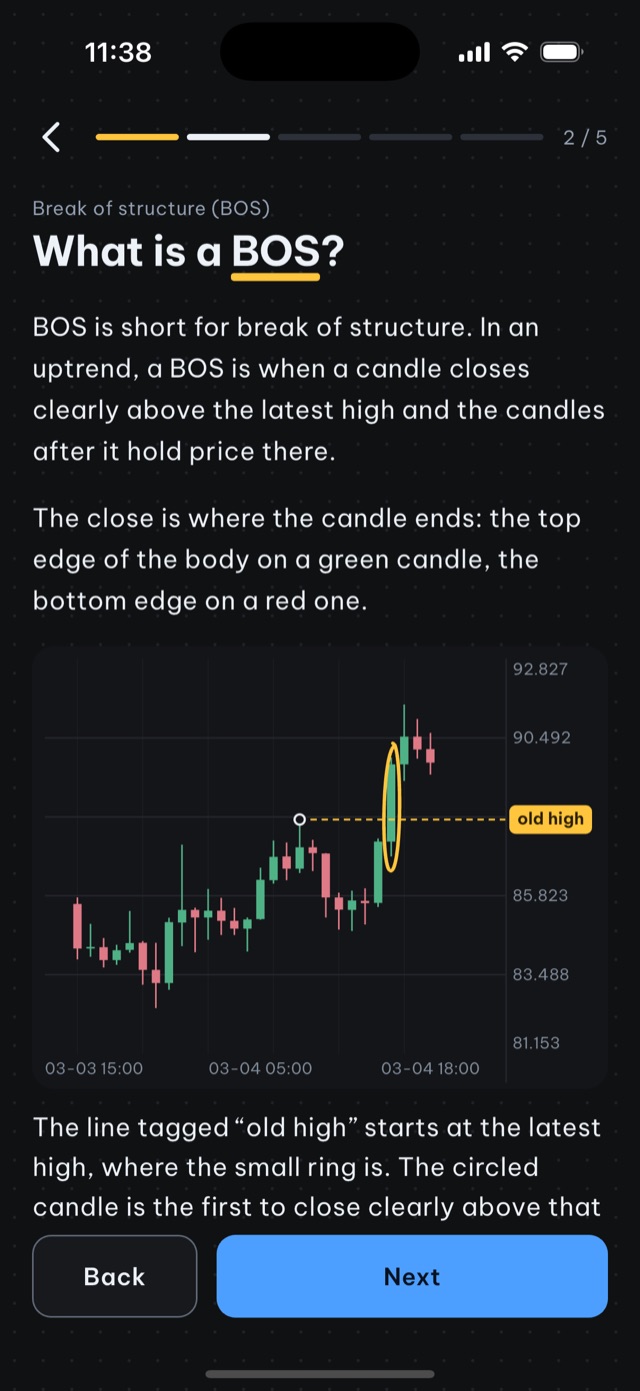
8 modules, 40 lessons, 500+ quiz questions and 58 exercises done directly on the chart: candlesticks, market structure, support/resistance, candlestick patterns, chart patterns, liquidity, SMC and entry setups.
2. Decision practice on real cases
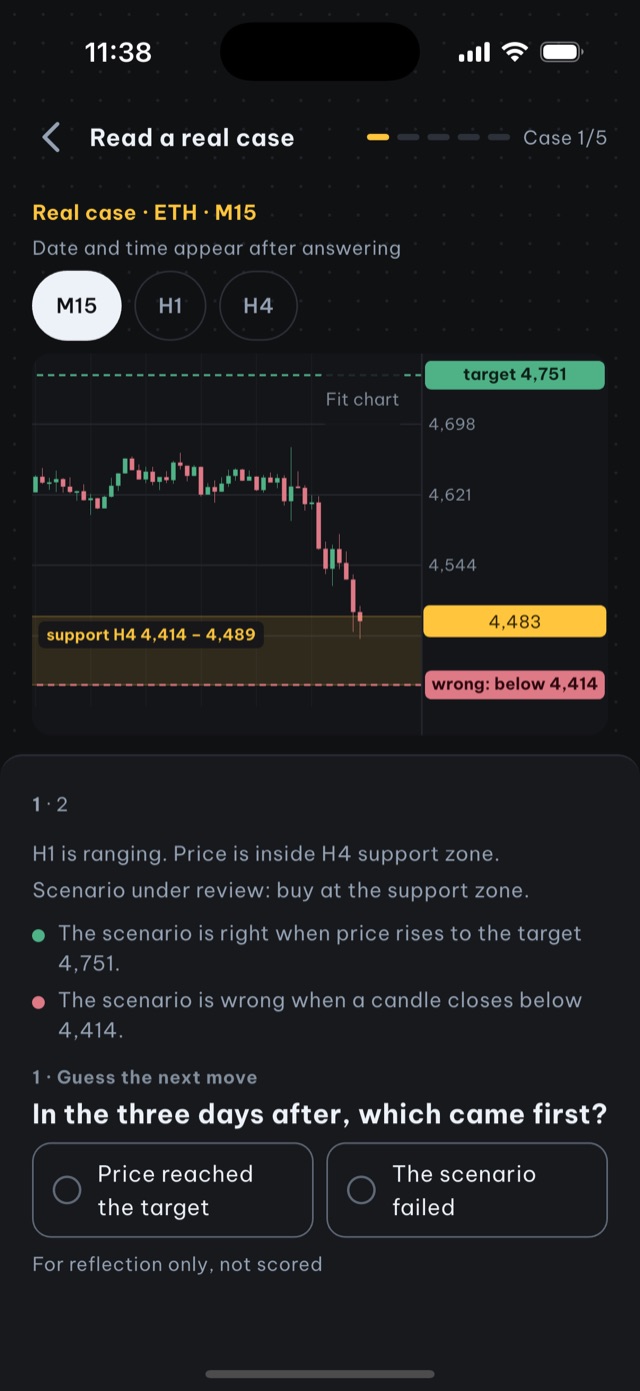
220 real moments from 24 months of BTC, ETH and SOL. The chart stops at the decision point; you answer “is there anything worth waiting for here?”, pick the price that would prove you wrong, then watch what price really did.
3. Manual backtesting
Reveal historical candles one at a time and place entry, stop loss and take profit on the chart. There is a random start mode with hidden dates, a simulated fee per trade in R, Fibonacci and supply/demand zone tools, and saved sessions you can review. Data: BTC/USDT, ETH/USDT, SOL/USDT, XAU/USD (GC=F gold futures, not spot gold), EUR/USD, GBP/USD on M15, H1, H4 and D1.
4. Daily price zones
The Today tab shows where price is relative to key zones on H4, H1 and M15 and notifies you when price gets close, so you can practice reading a live market. It is for observing, not buy or sell orders.
Free vs Pro
- Free: the first 3 candle lessons, the chart-reading check when you first open the app, 1 real-case session (5 cases).
- Pro: all 40 lessons and exercises, entry drills, unlimited backtesting, the Today tab, the AI Coach and 5 chart-image analyses per month.
Pro plans (weekly, yearly, lifetime) and prices are shown in the App Store for your country.
When is Price Action Trading Simulator not a fit?
- You need automated, code-based backtesting (Python, many symbols, parameter optimization).
- You need to place real orders through an exchange or broker.
- You need a journal that syncs trades from a real brokerage account.
- You use Android.
How to start
- Download Price Action Trading Simulator from the App Store (free, no account needed).
- Take the chart-reading check when you open the app.
- Do the 3 free candle lessons.
- Do one “Real case” session of 5 cases and note the ones you got wrong.
- If this way of practicing works for you, upgrade to Pro for entry drills and backtesting.
Source and scope: this is educational material by the Price Action Trading Simulator development team. Price/account examples are hypothetical unless identified as a historical observation; exact fills and omitted costs are assumptions, not guarantees. Our case-data methodology explains the historical sources, selection and limits.
Frequently asked questions
Is there an iPhone app to practice price action without real money?
Yes. Price Action Trading Simulator (App Store ID 6782149821) is an iPhone and iPad app to learn and practice price action on real historical data. It does not trade real money and does not connect to an exchange.
Is Price Action Trading Simulator free?
It is free to download. The free part includes the first 3 candle lessons, the chart-reading check when you first open the app and 1 real-case session (5 cases). All 40 lessons, entry drills, unlimited backtesting and the AI Coach need Pro.
Is Price Action Trading Simulator available on Android?
Not at the moment. It is available for iPhone and iPad.
Is practicing on historical data the same as live trading?
Not entirely. Real-case labels do not model trading costs. Manual backtesting permits a simplified fee in R but does not reproduce live spread, slippage or financial pressure. It supports chart-reading exercises; a good simulation result does not establish live performance.
Written by the app’s development team. See the data, selection rules and limits of these first-party examples. Sources & method →
Keep reading
-
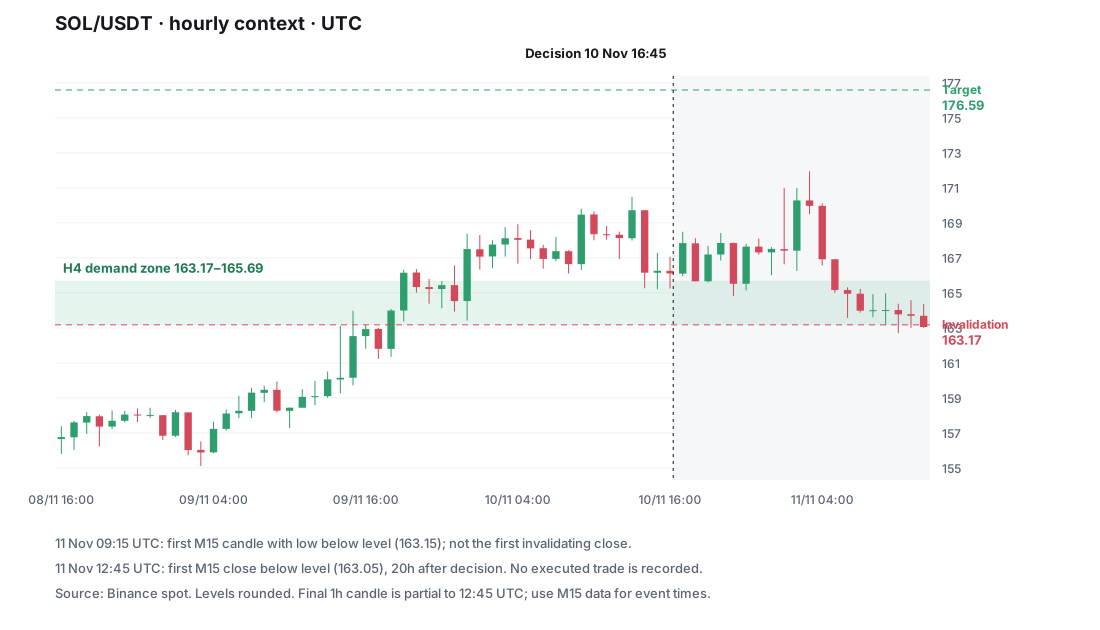
Which tool should I use to practise price action?
Choose a price action practice tool by your learning goal, device, market data and review needs. A documented comparison with clear product limits.
-
I study trading but still feel lost. What should I practise?
If more trading videos leave you confused, find the first task you cannot perform: reading candles, defining a rule, sizing risk or reviewing decisions.
-
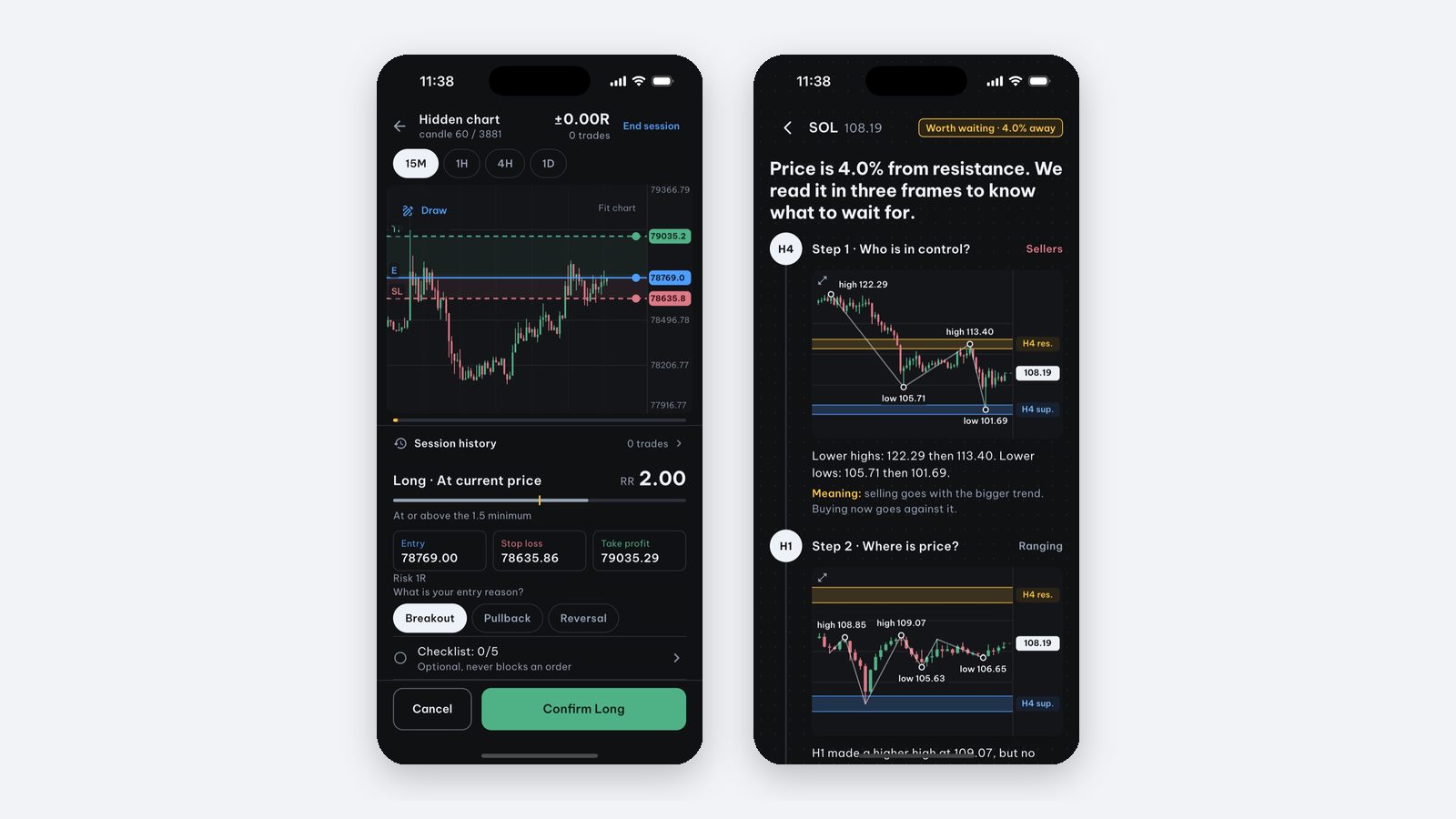
How to manually backtest a trading strategy on iPhone (no code)
Step-by-step manual backtesting of forex, gold and crypto on iPhone: hide the future, log entry, stop loss and take profit in R, plus a journal template.