Which tool should I use to practise price action?
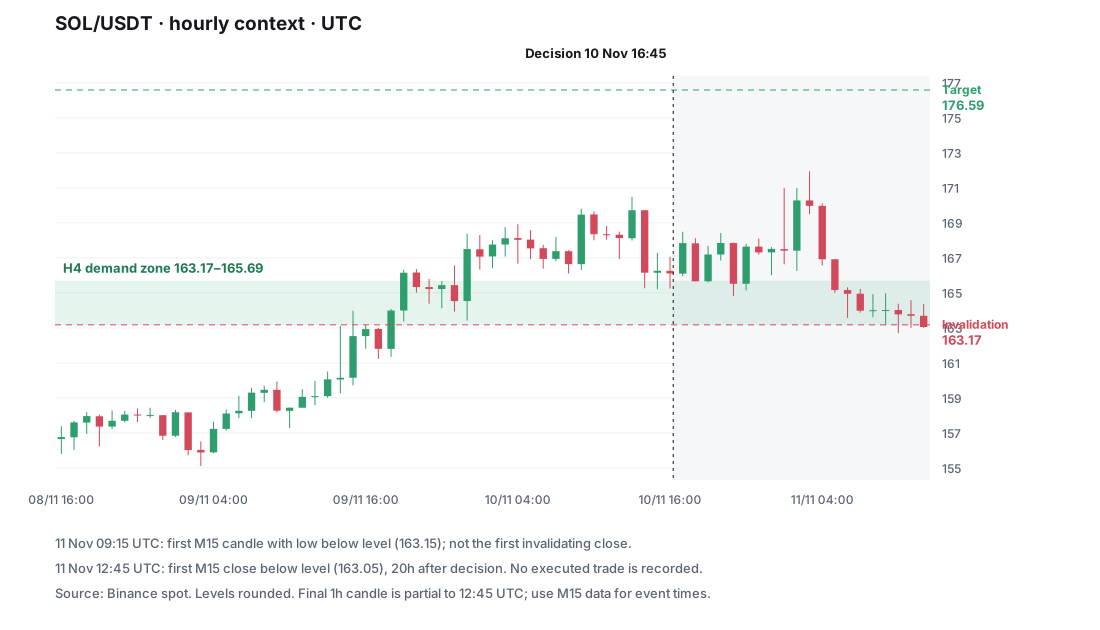
Choose the tool for the task you can name. If you need help forming a decision rule, start with structured lessons and chart exercises. If you already have a rule, use historical replay that hides future candles and lets you record decisions. If the question is what happened in your real account, you need trade records and an execution review. These are different tasks; a polished chart alone does not solve all three.
This comparison is written by the development team of Price Action Trading Simulator. It uses our product implementation and the official documents linked below, checked on 22 October 2026. It is not an independent review, a hands-on test of competitors or an exhaustive ranking. Availability can change.
Match the job before comparing brands
| Your immediate job | Workflow to look for | A relevant option and its boundary |
|---|---|---|
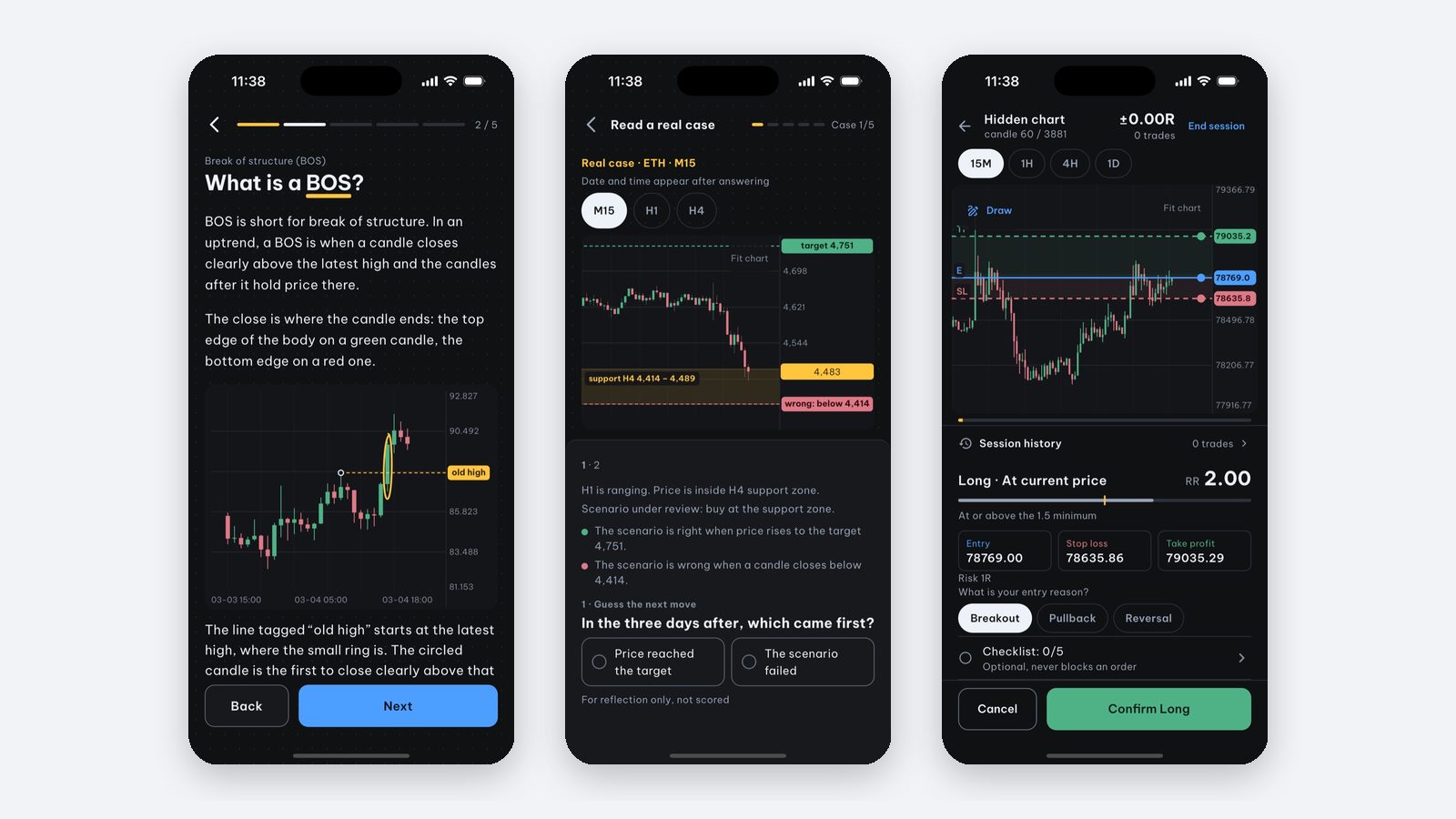
| I know candle names but cannot explain an entry | Lessons, chart exercises, decision cases | Price Action Trading Simulator has 40 lessons and 220 selected BTC/ETH/SOL cases. The bank is educational material, not evidence of profitability. |
| I have a written rule and want to reveal the next candle | Historical replay with a decision record | TradingView documents Bar Replay and separate Replay Trading. Check the exact market, plan and device. |
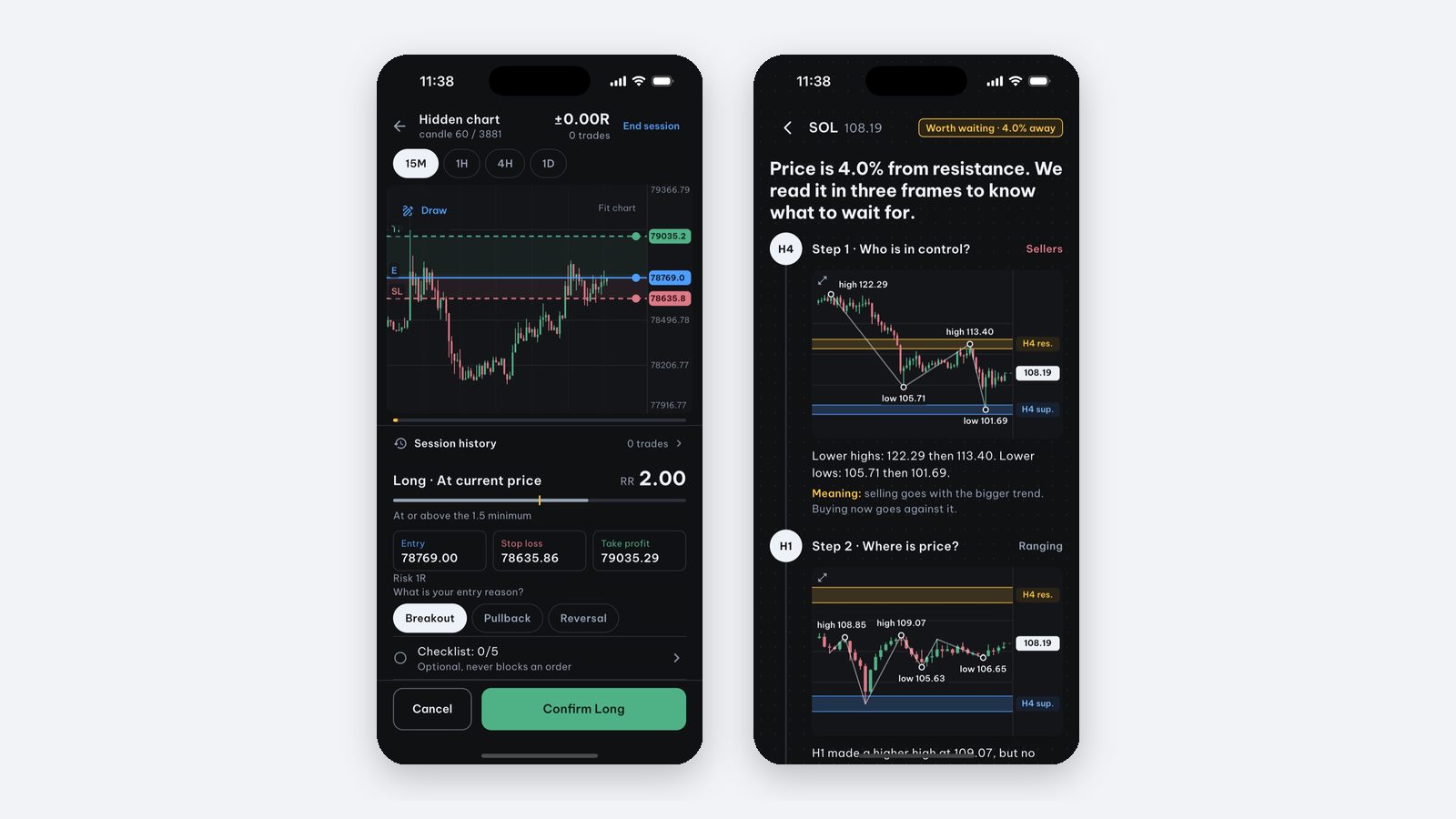
| I want short manual sessions on iPhone or iPad | Touch-friendly replay, hidden future, saved review | Price Action Trading Simulator offers manual backtesting with entry/SL/TP and a user-set fee in R. Starting a session requires Pro. |
| I want to test code across many symbols | An automated backtester with explicit data and fill rules | This app does not provide code-based or batch backtesting. |
| I want to investigate live fills and account results | Broker records and a journal that accepts them | This app does not connect to a broker or sync a live account. |
Do not confuse replay with ordinary paper trading
TradingView describes Replay Trading as a separate historical mode. Its Bar Replay instructions say ordinary Paper Trading and broker orders still use real-time data. Verify which mode you have opened; a historical chart does not by itself mean an order uses historical prices. See the historical-mode documentation and order limitations.
Replay history also depends on the symbol, interval and subscription. Check the date range you actually need rather than assuming all markets have the same history. TradingView explains its data limits.
Try the same small task before paying
Use the following as a usability check, not a test of trading skill or future returns:
- Choose an unfamiliar historical period and hide the future. Check whether switching timeframes accidentally exposes later candles.
- Write the entry condition, invalidation and exit rule before advancing.
- Distinguish a fixed stop triggered at a price touch from an exit after a candle closes. Ask how the tool handles both levels inside the same candle.
- Record the planned risk and the fee assumption. A fee in R is still a simplified execution model.
- End the session and check what remains available to review, save or export.
For this app, sessions can be saved for review, but data export and broker synchronization are not provided. Crypto uses Binance data. The gold series displayed as XAU/USD is Yahoo Finance’s GC=F futures series, not spot gold. Confirm that the instrument and data source fit the exercise you want to run.
What can I try for free?
Price Action Trading Simulator is free to download on iPhone and iPad. It includes the first three candle lessons, the initial chart-reading check and one five-case practice session. You can browse the backtest setup for free; starting a backtest needs Pro. Prices depend on the App Store storefront. Compare the actual access offered by each tool before subscribing.
If you cannot yet describe the task you want a tool to solve, start with “I study trading but still feel lost”. If you are already testing a rule, read why a backtest can differ from live trading. To inspect our examples, see the case methodology and public data.
Sources and scope
Official product documentation was consulted for the limited comparisons above. We did not measure competitors’ ease of use, execution quality, app performance or profitability. The choice criteria are our editorial framework, not a validated ranking.
Frequently asked questions
Does TradingView offer replay on mobile?
TradingView documents Bar Replay in its mobile apps. Check the exact features, data history and subscription available on your device before choosing it.
Can I use Price Action Trading Simulator for automated backtesting?
No. It provides lessons, case decisions and manual historical replay, not code-based strategy testing or batch runs. It also has no broker-synced journal or data export.
Written by the app’s development team. See the data, selection rules and limits of these first-party examples. Sources & method →
Keep reading
-
How to manually backtest a trading strategy on iPhone (no code)
Step-by-step manual backtesting of forex, gold and crypto on iPhone: hide the future, log entry, stop loss and take profit in R, plus a journal template.
-
How to practice price action on iPhone without risking real money
Want to practice price action on iPhone before trading real money? How to practice on historical charts and what Price Action Trading Simulator offers.
-
Where do our real trading cases and zone statistics come from?
How our selected Binance cases, fixed draw and 72-hour labels work. Inspect the SOL timeline, public files and limits of the 110-touch aggregate.