How do I stop revenge trading after a losing trade?
Revenge trading is taking a new trade right after a loss to win the money back, instead of waiting for a setup from your plan. A practice routine is to write three rules in advance: a daily loss limit (for example, stop for the day at 3% of the account), a cooldown after each loss (for example, 30 minutes away from the chart), and a review of the loss in your journal before you are allowed to take the next trade.
What are the signs you want to win it back?
The signs are in your actions, not the chart. Use these observable actions as review prompts; they are not a diagnostic test:
- You open a new trade within minutes of being stopped out, with no planned setup.
- You increase position size (the number of units you buy or sell) to “recover faster.”
- You move or remove the stop loss because “price will surely come back.”
- You drop to a smaller timeframe than usual to get a trade sooner.
- You ignore the conditions you normally use to enter, because all you can think about is the amount you lost.
How can increasing risk after a loss change the damage?
If an attempt to recover involves larger positions or entries outside the plan, it changes the exposure you originally chose. The money already lost is in the past; the next trade has to be chosen as if the last one never happened.
There is also simple arithmetic: losing 10% of an account takes a gain of about 11.1% to get back to even; losing 20% takes 25%. The deeper the hole, the longer the climb.
Hypothetical example: starting balance 1,000 USD, fixed risk 10 USD per trade (1% of that starting balance), exact fills and no costs. Suppose three trades in a row hit their stop loss.
| Trade | Following the rule (10 USD risk) | Doubling risk to win it back |
|---|---|---|
| 1 | lose 10 USD, total lost 10 | lose 10 USD, total lost 10 |
| 2 | lose 10 USD, total lost 20 | lose 20 USD, total lost 30 |
| 3 | lose 10 USD, total lost 30, done for the day | lose 40 USD, total lost 70 |
| Percent of account | 3% | 7% |
Both approaches can lose three trades. The difference is that the first stops at 3% because of a rule, while the second has lost 7% under the stated losing sequence. For the foundation, see risk management for beginner traders.
How do I set a daily loss limit?
A daily loss limit is the total loss at which you close the chart until tomorrow. There is no single right number; choose one you can live with and write it down first.
One example: risk 1% per trade and stop for the day when total losses reach 3% (30 USD on a 1,000 USD account) or after 3 losing trades in a row, whichever comes first. Two notes:
- The rule only works if you write it before you trade. This creates a reference for reviewing later changes.
- When you hit the limit, close the trading app completely. No “just a quick look.”
What should a cooldown after a loss look like?
After each loss, leave the chart for a fixed time before you review the trade. For example: 30 minutes of walking around, drinking water, no chart; after two losses in a row, you are done for the session.
The goal is not to calm down through willpower. It is to separate the moment of the loss from the moment of the next decision. The first thing to do after the break is review, not enter.
What should I do instead of re-entering?
First, separate two kinds of losses. A loss that followed the plan can still reflect an unprofitable rule; record compliance separately from whether the strategy has an edge. A loss that broke the plan (early entry, no invalidation, bigger size) is what needs fixing.
The SOL/USDT case on November 10, 2025 illustrates a label, not a trader’s behavior: the stored zone was invalidated by a later M15 close at 163.05, while a fixed stop at 163.1725 would have been touched earlier. There is no recorded entry or realized loss. The methodology keeps this separate from a hypothetical trade. In your own journal, use actual execution prices and costs, not the zone label, to calculate R.
In your journal, answer five questions for every loss:
- Did the entry match the conditions in my plan?
- Did I set the invalidation before or after entering?
- Was the position size the planned risk?
- Did I do anything different from the plan while holding?
- If everything were identical, would I take this trade again?
Trading journal: how to review mistakes covers how to record this. If you tend to take too many trades after a loss, also read about overtrading.
Practice the post-loss routine without real money
You can rehearse “lose, pause, review, then trade again” on historical charts. It does not replace the feeling of real money, but it lets you repeat the routine and inspect whether you followed the routine. It does not establish live transfer or a cure for compulsive behavior.
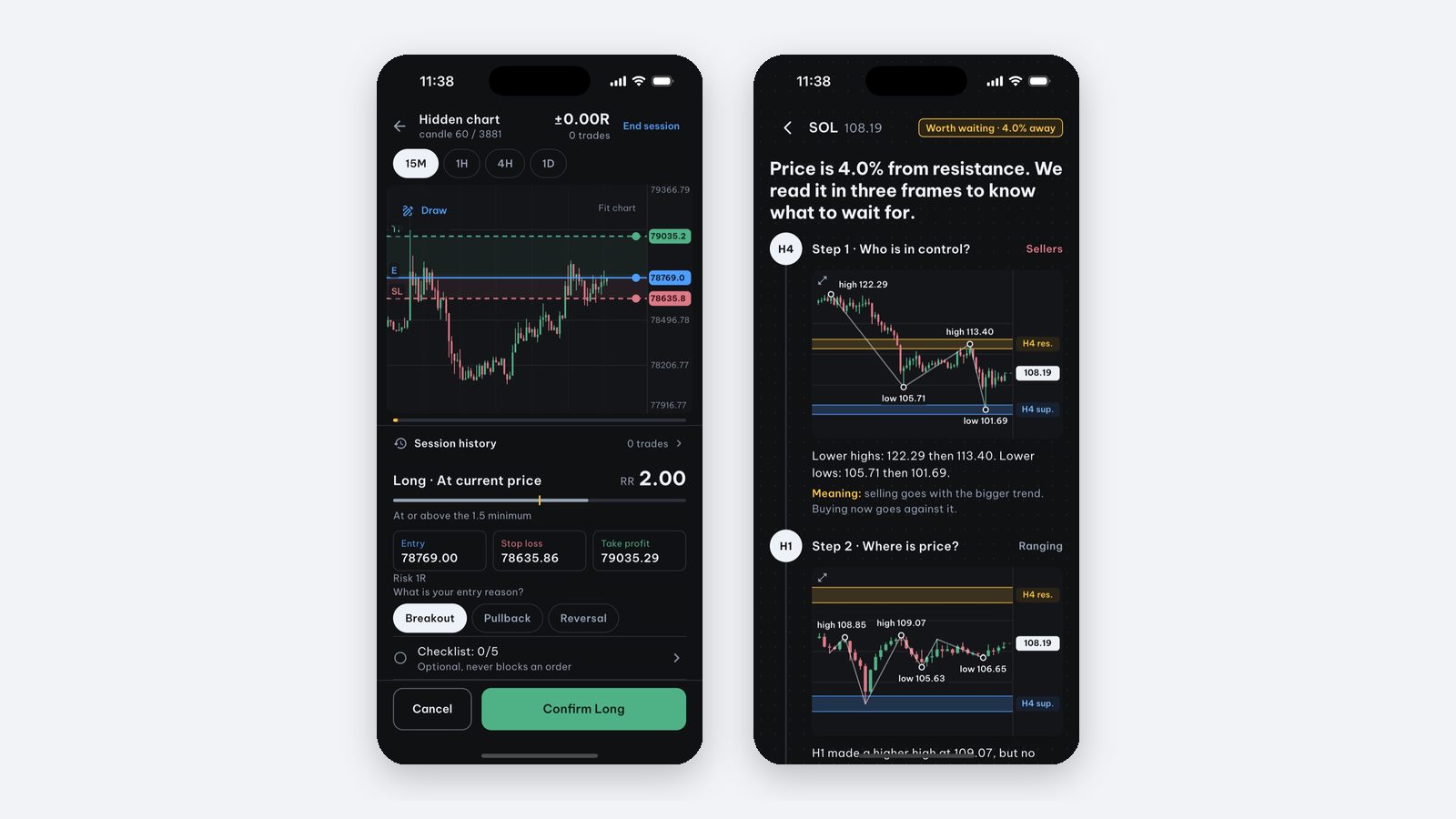
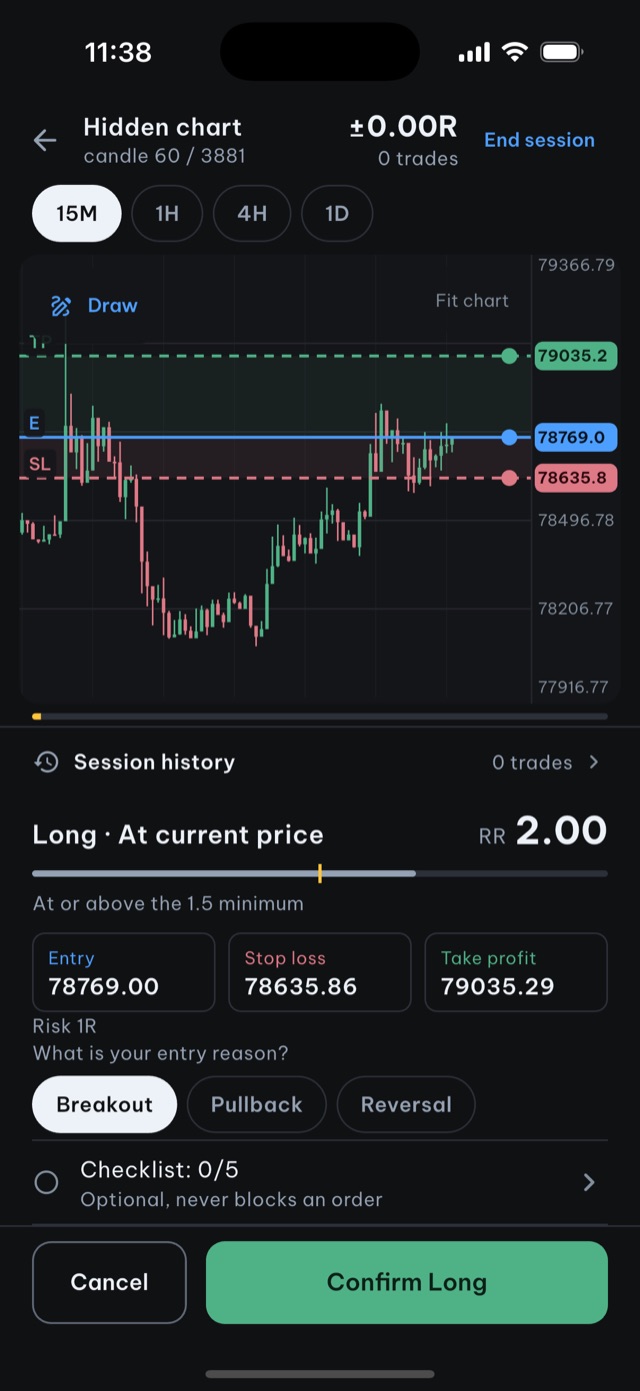
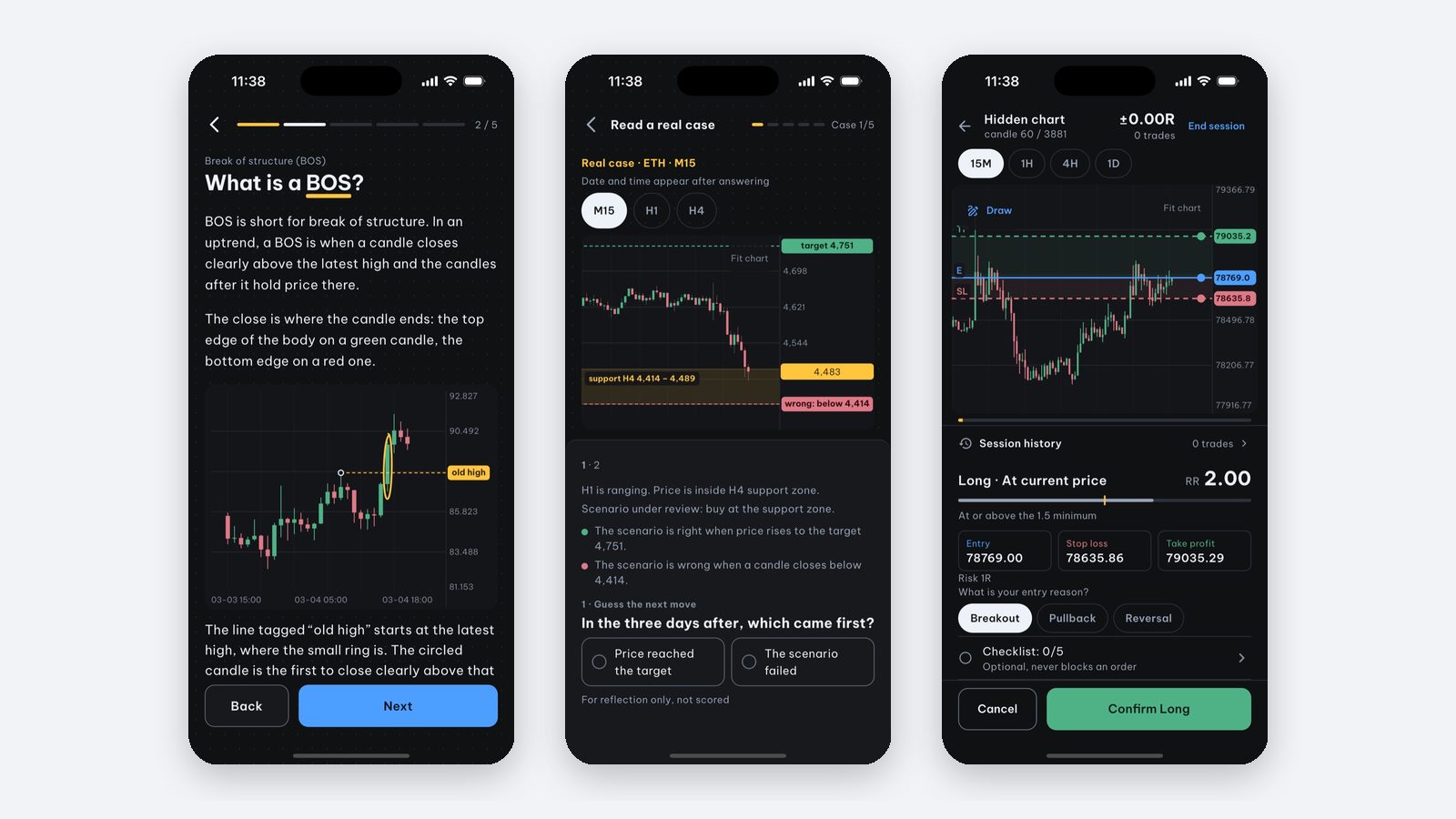
Price Action Trading Simulator is an iPhone and iPad app for practicing price action on real historical data. The most useful part here is manual backtesting:
- Reveal historical candles one by one; place entry, stop loss and take profit on the chart.
- Start at a random point with hidden dates, and optionally hide the symbol.
- A simulated fee per trade, counted in R.
- Sessions are saved so you can review each decision. There is no data export.
The setup screen is free to browse; starting a session needs Pro. The first real-case session (5 cases) is free.
The app trades no real money, has no broker connection, needs no account and keeps progress on your device.
Source and scope: this is educational material by the Price Action Trading Simulator development team. Price/account examples are hypothetical unless identified as a historical observation; exact fills and omitted costs are assumptions, not guarantees. Our case-data methodology explains the historical sources, selection and limits.
Frequently asked questions
What is revenge trading?
Revenge trading is taking a new trade right after a loss to win the money back, rather than because a planned setup appeared. It often comes with a bigger position size or a removed stop loss.
How do I stop trying to win back a loss immediately?
Set three rules in advance: a daily loss limit (for example 3% of the account), a cooldown after each loss (for example 30 minutes away from the chart), and a review of the loss in your journal before you may take another trade.
What should my daily loss limit be?
There is no number that fits everyone. One example: risk 1% per trade and stop for the day when total losses reach 3% or after 3 losing trades in a row, whichever comes first. What matters is writing it down before you trade.
Can I practice discipline after losses without real money?
You can practice the routine: enter on a condition, write the reason, review the session. Price Action Trading Simulator has manual backtesting with saved sessions to review decisions, and no real money. It cannot replace the feeling of real money, though.
Written by the app’s development team. See the data, selection rules and limits of these first-party examples. Sources & method →
Keep reading
-
How do I know if I'm overtrading, and how do I stop?
Compare your trade count with written rules, calculate assumed costs and log unplanned entries. A daily cap is a practice choice, not a universal cure.
-
How to Stay Calm and Disciplined When Trading
Turn trading discipline into observable checks: written rules, planned risk and a record of deviations. Practice supports review, not a promise of calm.
-
How much should a beginner risk per trade? Risk management basics
Learn planned risk, R and drawdown with hypothetical examples. A 1% rule is a chosen budget, not a safety threshold or guaranteed stop-loss limit.